CDOP Report Generator
Turn your panel data into a structured, readable report without rebuilding it by hand each year.
Runs in your browser on your own machine. No installation, no accounts, and no data leaves your organisation.
What it does
Ready for you to review, edit and share, and presented in a visual, theme-led format rather than dense tables of text.
-
01
What goes in
- Your eCDOP case export
- NCMD monitoring reports
- Self-assessment results (optional)
- Your logo and colours (optional)
Files as they come out of the system. Nothing needs reformatting first.
-
02
Read on this computer
Analysed in the browserNothing is uploaded and nothing is stored after.
-
03
Draft report
Charts, tables and the wording drafted from your own figures.
-
04
Yours to finish
- Word document
- PowerPoint slides
- Public-facing version
Every word editable before it goes to the partnership.
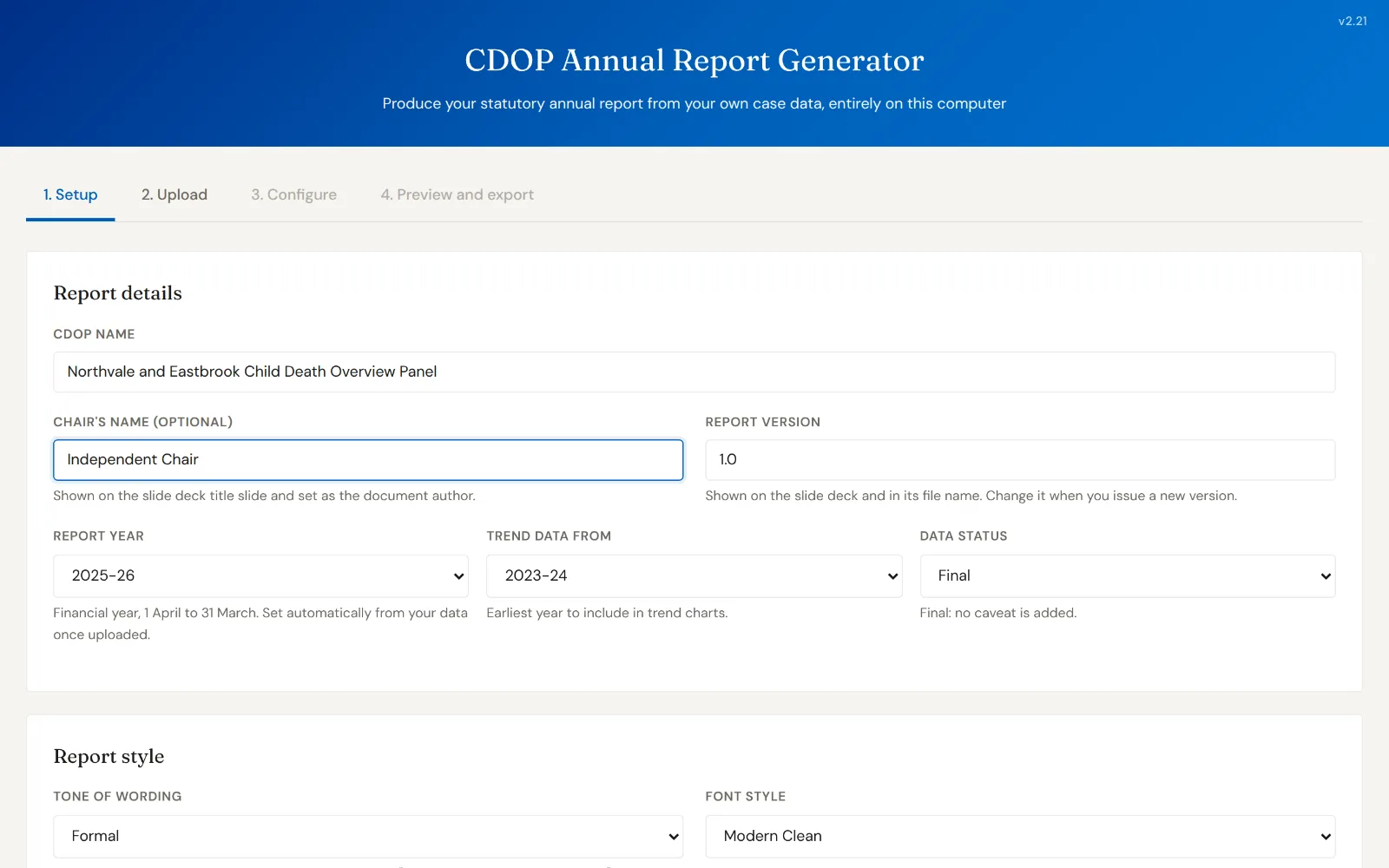
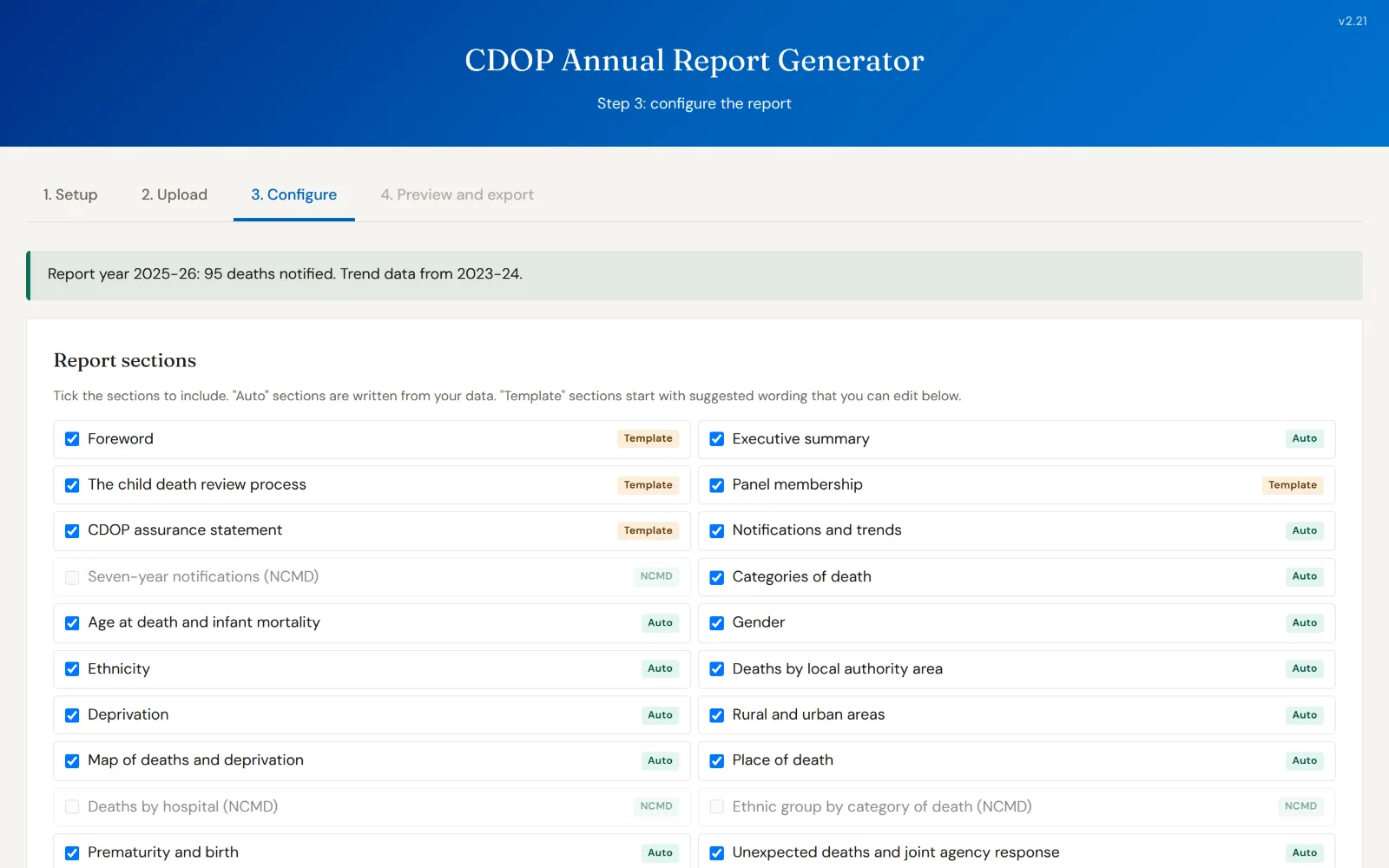
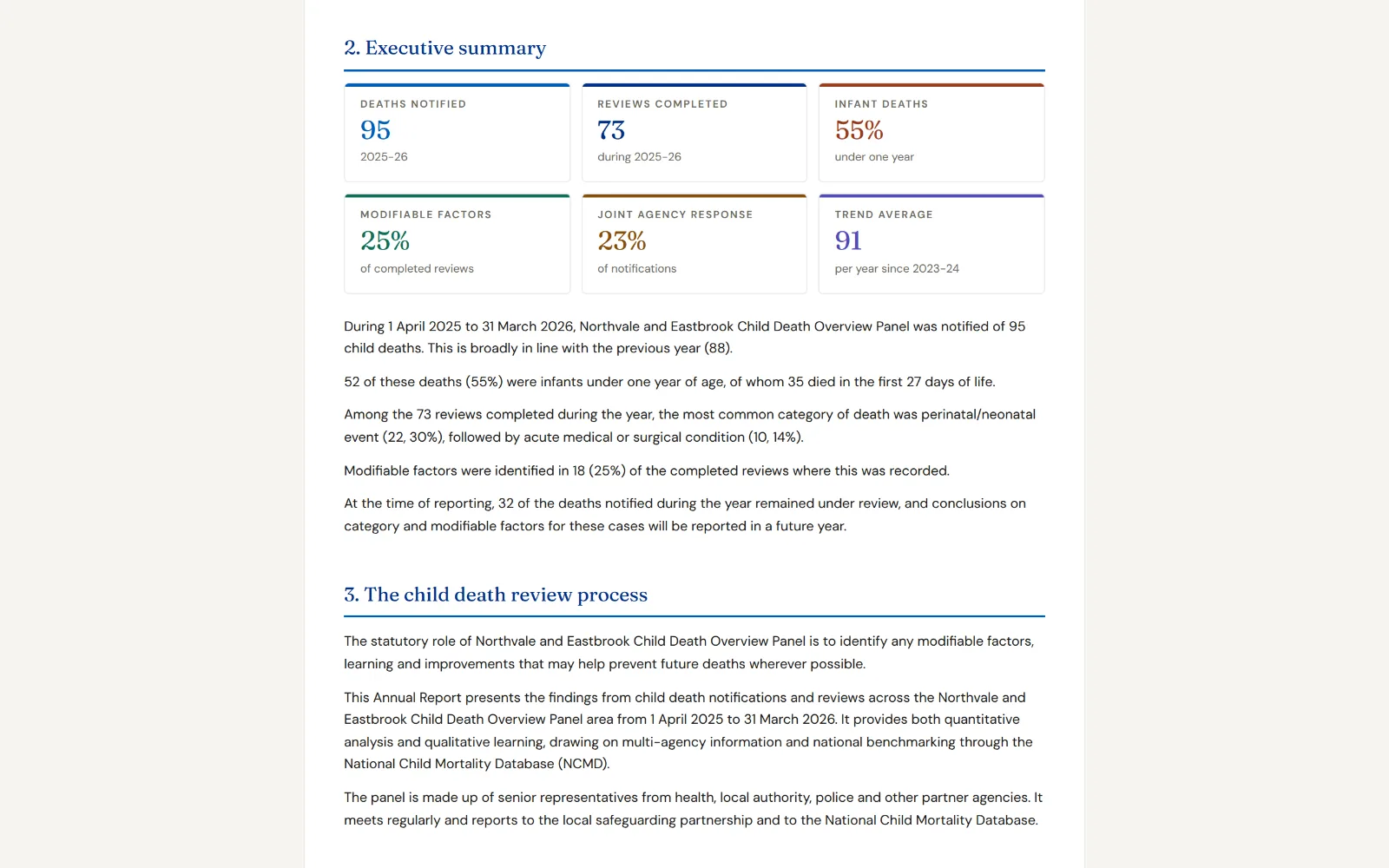
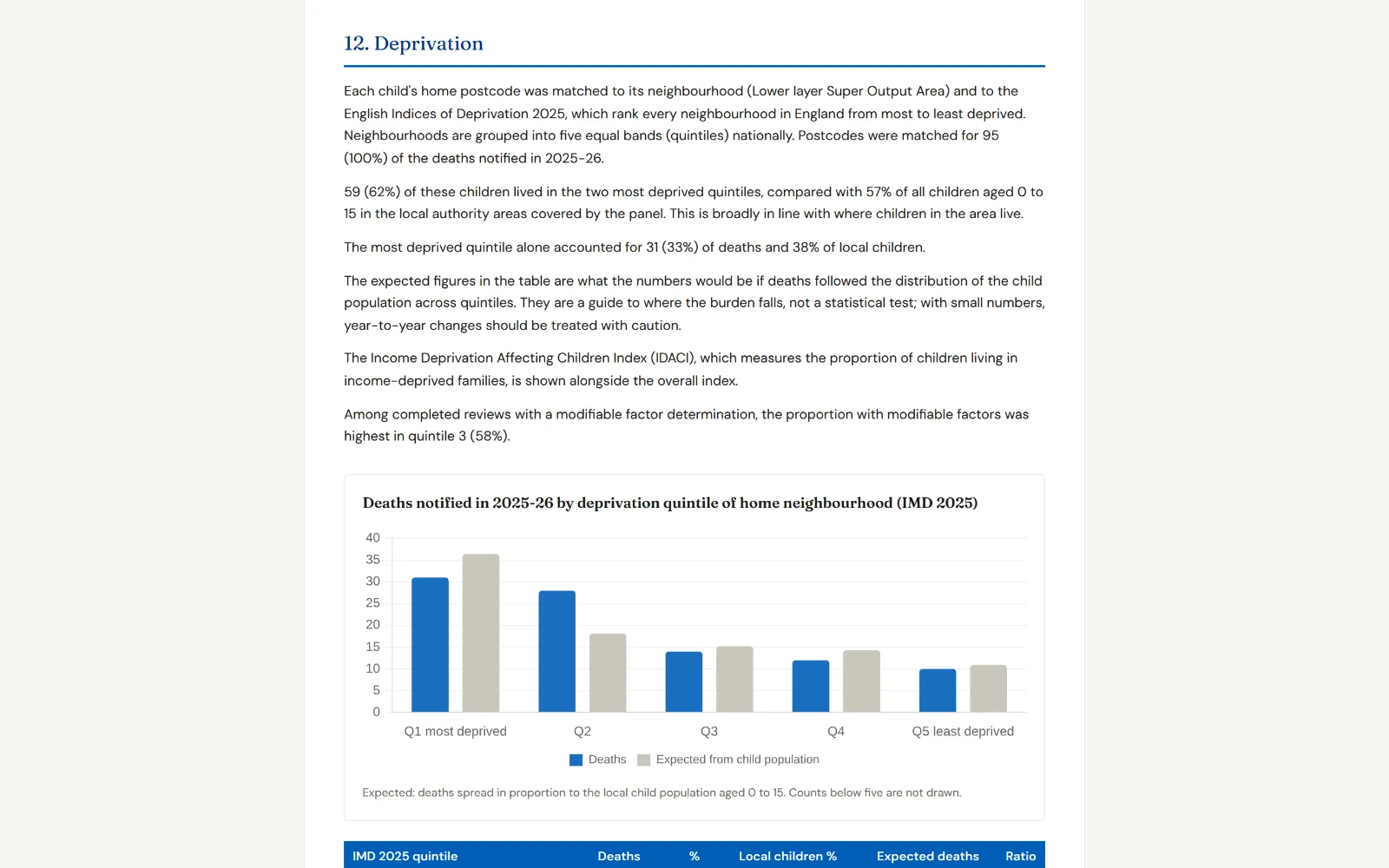
Screens
What the tool actually looks like in use.
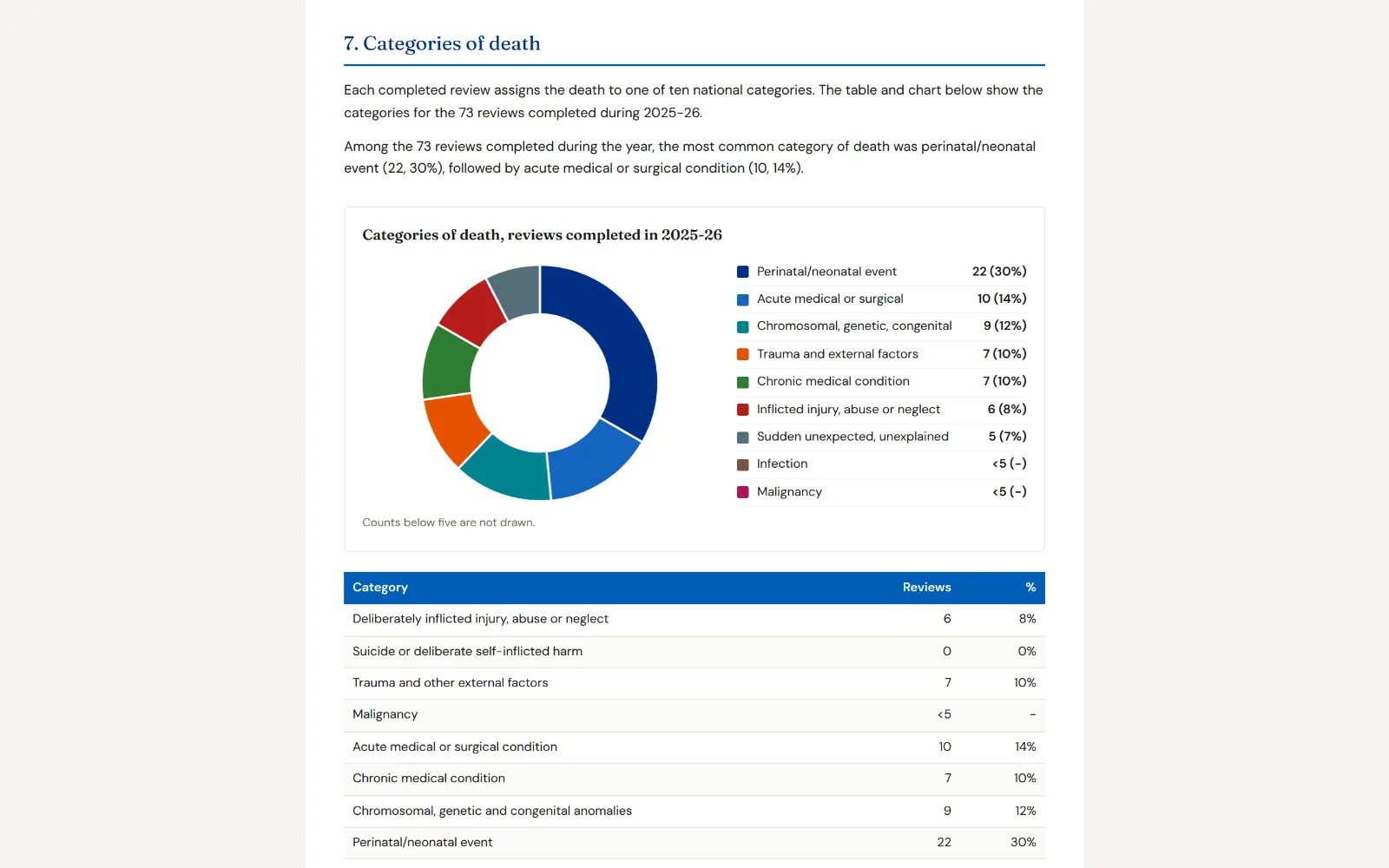
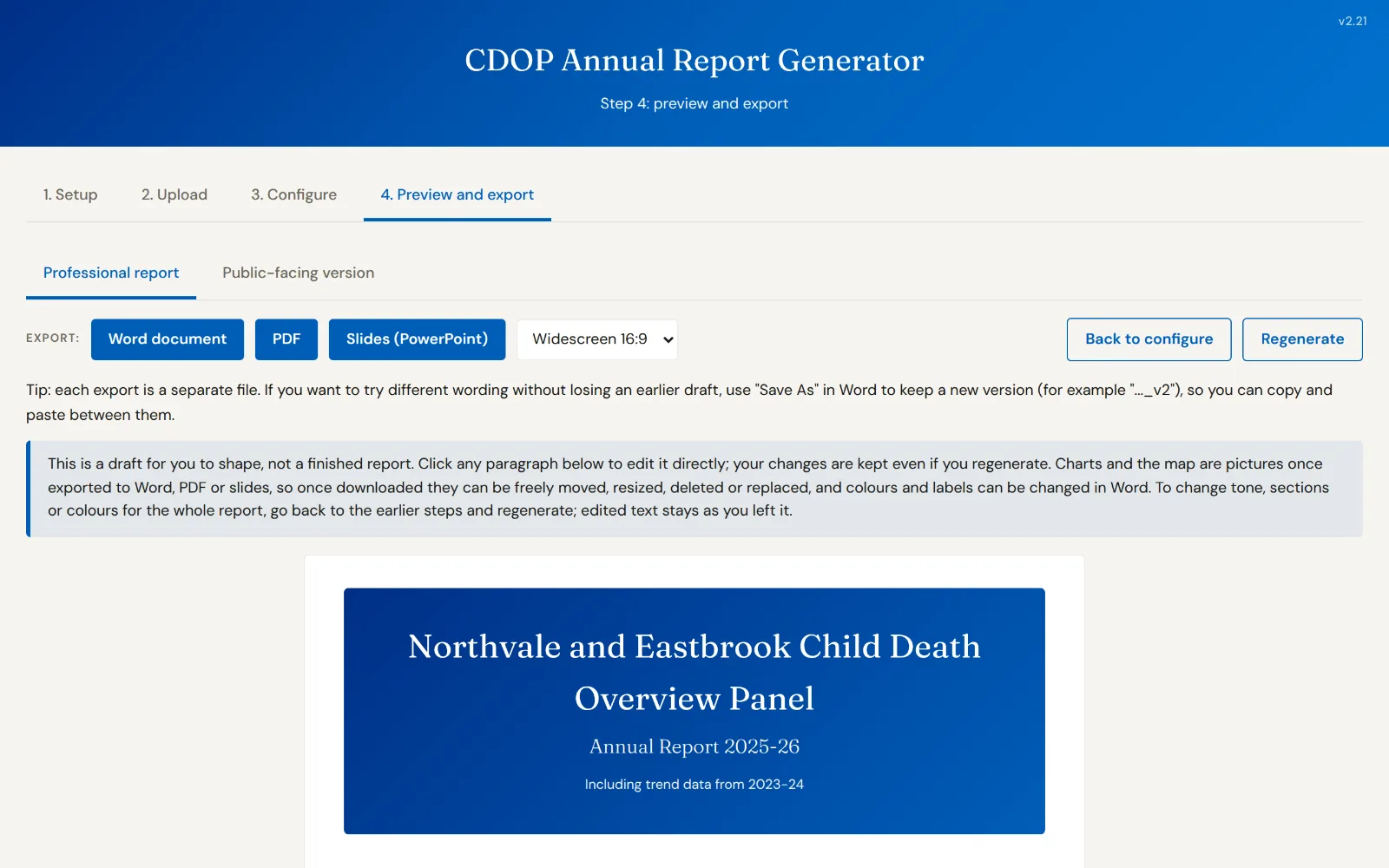
Demonstration
A recorded walkthrough, so you can see the tool working before you ask for anything.
Features
- Links analysis to your CDOP's own local priorities, not just a data dump
- Compares trends across multiple years so patterns are easy to see
- Uses postcode-level deprivation data to help target where support is needed most
- Builds accountability tables with actions tied to named agencies and owners
- Produces a plain-English public version alongside the professional report
- Applies your own CDOP's branding: logo, colours and fonts
Price
- £400 plus VAT: The tool, taking data up to 31/03/2027: one annual report. £200 for the first 10 CDOPs.
- £600 plus VAT: The tool, taking data up to 31/03/2028: two annual reports. £300 for the first 10 CDOPs.
- £500 plus VAT: we produce your draft annual report. Turning Over produces a draft annual report for your panel from your own data, for one reporting year, ready for you to amend, add local context to and sign off.
Who it is for
CDOP Chairs, PH Professionals, Coordinators and anyone who might be involved in writing the report.
Information governance
The tool is a single file that opens in a standard web browser. It installs nothing, creates no account, and makes no connection to any outside service, including none back to Turning Over. Whatever you load into it is processed on your own machine and stays there.
See it working before you commit
Every enquiry starts with a demonstration using example data, so you and your IG lead can see exactly how the tool behaves.
Other tools
Self-Assessment and Audit Tool
Compare yourself to what ‘Good’ looks like. Work through the CDR Guidance and ACDRP Quality Standards, evidence your position, and produce a clear improvement plan.
- Simple self-assessment for each partner organisation
- Returns combined into a single dashboard for partner governance
- Identifies what is working well and what needs to improve
Learning Oversight Dashboard
Bring together learning, recommendations and actions from across the review journey, including panel, but also PMRTs, coronial inquiries, criminal investigations and child safeguarding practice reviews, so there is oversight of the learning and impact of the child death review process.
- Strips out all learning, actions and recommendations in one place
- Captures potential impacts alongside each item
- Overview dashboard plus agency-by-agency summaries
Open Cases Report Tool
See where cases are sitting, what is holding them up, and what needs chasing. Useful preparation for each Business Group meeting.
- Colour-coded dashboard of every open and outstanding case
- Highlights where cases are being held up, and by whom
- Ready-to-share Word, PDF and PowerPoint documents